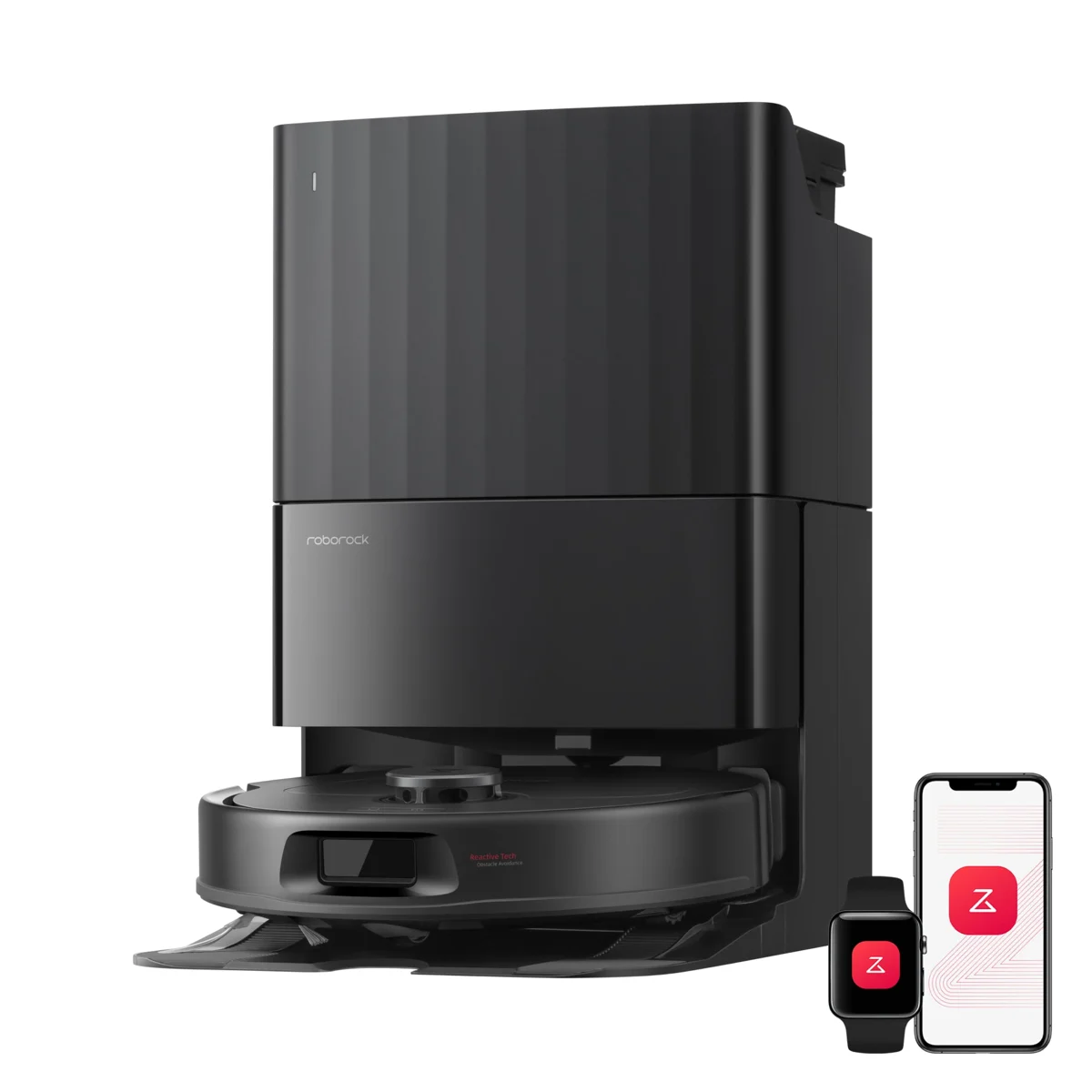
Identify the exact dock
Read the model name on the robot and dock, then find the matching manual. Roborock sells different dock designs with different clearances and maintenance needs. Do not copy a measurement from another model’s video simply because the stations look similar. Note the side, front and overhead requirements before measuring the room.
Choose a stable location
Roborock’s placement guidance describes a hard, flat floor against a wall. Apply the instructions for your model and avoid a position exposed to splashes or heat. Check that the floor finish is suitable for the dock and any moisture associated with its cleaning cycle.
Measure the maintenance space
Imagine removing a water tank or opening a dust-bag compartment. Measure that movement as well as the closed dock. An under-console location may hide the equipment but block the lid or make a full tank difficult to lift. Leave room to clean the tray without dragging the dock to a different position each time.
Keep the approach clear
Check chair legs, curtain hems and power cords along the robot’s route. Keep the power connection accessible and route the cable as the manual directs. When the setup is complete, observe a return-to-dock attempt rather than immediately leaving the robot to run unattended. A rug edge across the approach can change how it travels.
Test before committing the furniture
Run a supervised cleaning and docking cycle with doors in their normal positions. If you move the dock later, follow the model’s map and relocation instructions. Do not assume a cabinet door left ajar during setup will stay open in everyday use. For rooms mixing wood and rugs, read our first-run floor checklist.
Sources & further reading
- support.roborock.com — reference guide
- us.roborock.com — reference guide
- support.roborock.com — reference guide
Sources checked November 18, 2026. Follow the care or safety instructions supplied with your specific product.